
PRESCO AVENGER BY NIDAC

Access,
made simple.

The access controller for your everyday.
Connect your doors, manage your people and stay in the know. All through Gravity.
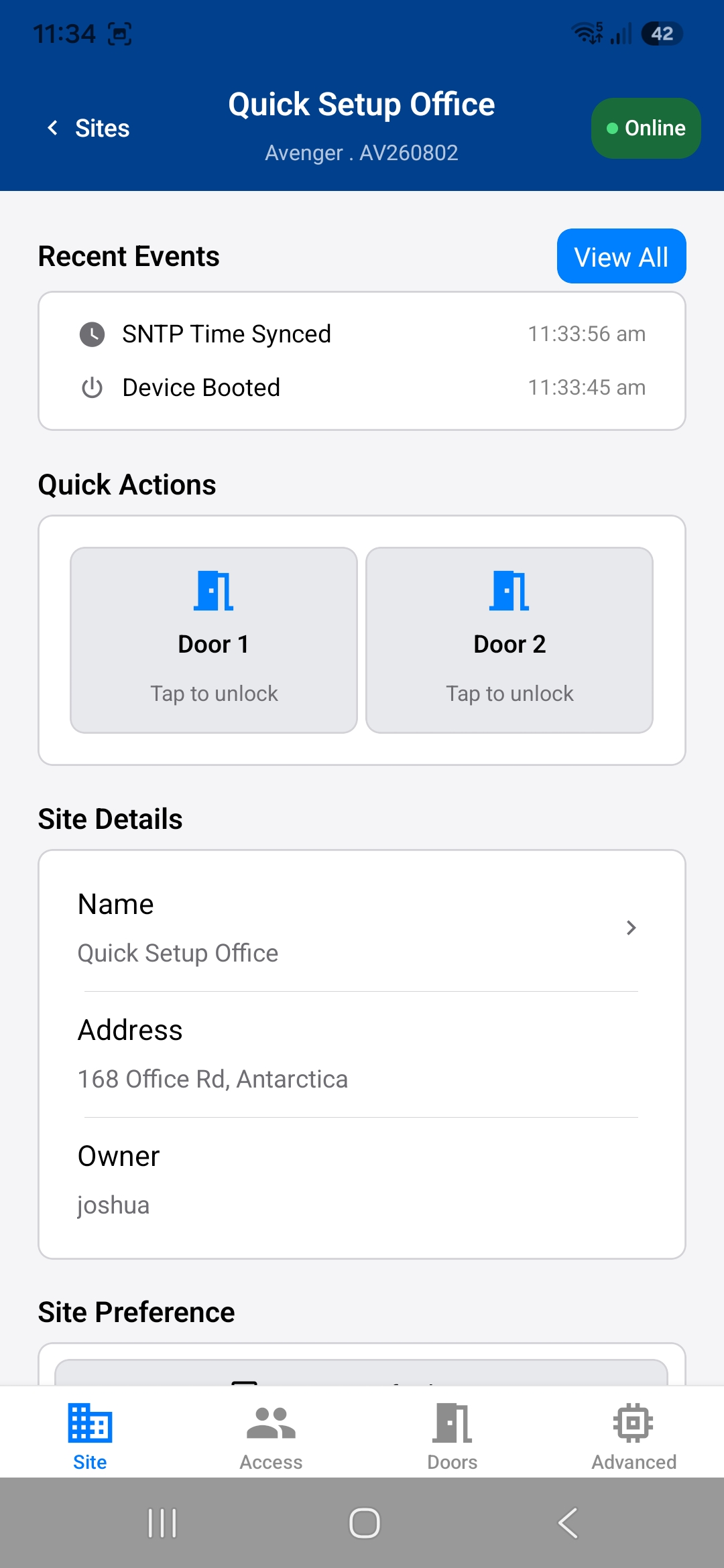
NPresco hardware.
Connected through Gravity.
01 Cloud-connected control02 Setup through Gravity03 Presco & Wiegand readers
BUILT AROUND YOUR DAY

A little less admin.
A lot more control.

From the first person in to the last door out.
The things you need, together in one app.

01 / DOORS

Know where you stand.

Give every door a name. Configure its readers and lock relay, and find the right door in Gravity.

02 / PEOPLE

The right people. The right access.

Manage users and credentials, then use access rules to decide which doors they can use and when.

03 / ACTIVITY

See the story of your site.

Review time-stamped access and device events to understand what happened, and where.

ROOM TO GROW

Start with two doors.
Grow to eight.

Add more doors as your site grows. Connect PEX-2D two-door expansion modules to Avenger over NPB, NIDAC’s RS485 expansion bus. With up to three PEX-2Ds, one Avenger system can control up to eight doors.

NPB RS485 EXPANSION BUS
MAIN CONTROLLER

Avenger

Doors 01 / 02
EXPANSION 01

PEX-2D

Doors 03 / 04
EXPANSION 02

PEX-2D

Doors 05 / 06
EXPANSION 03

PEX-2D

Doors 07 / 08
2 onboard + 6 expansion doorsUp to 8 doors. One Avenger.
FROM POWER-ON TO FIRST ACCESS

First door.
Let’s get it working.

Install the hardware, open Gravity and follow the guide. Here’s what comes next.
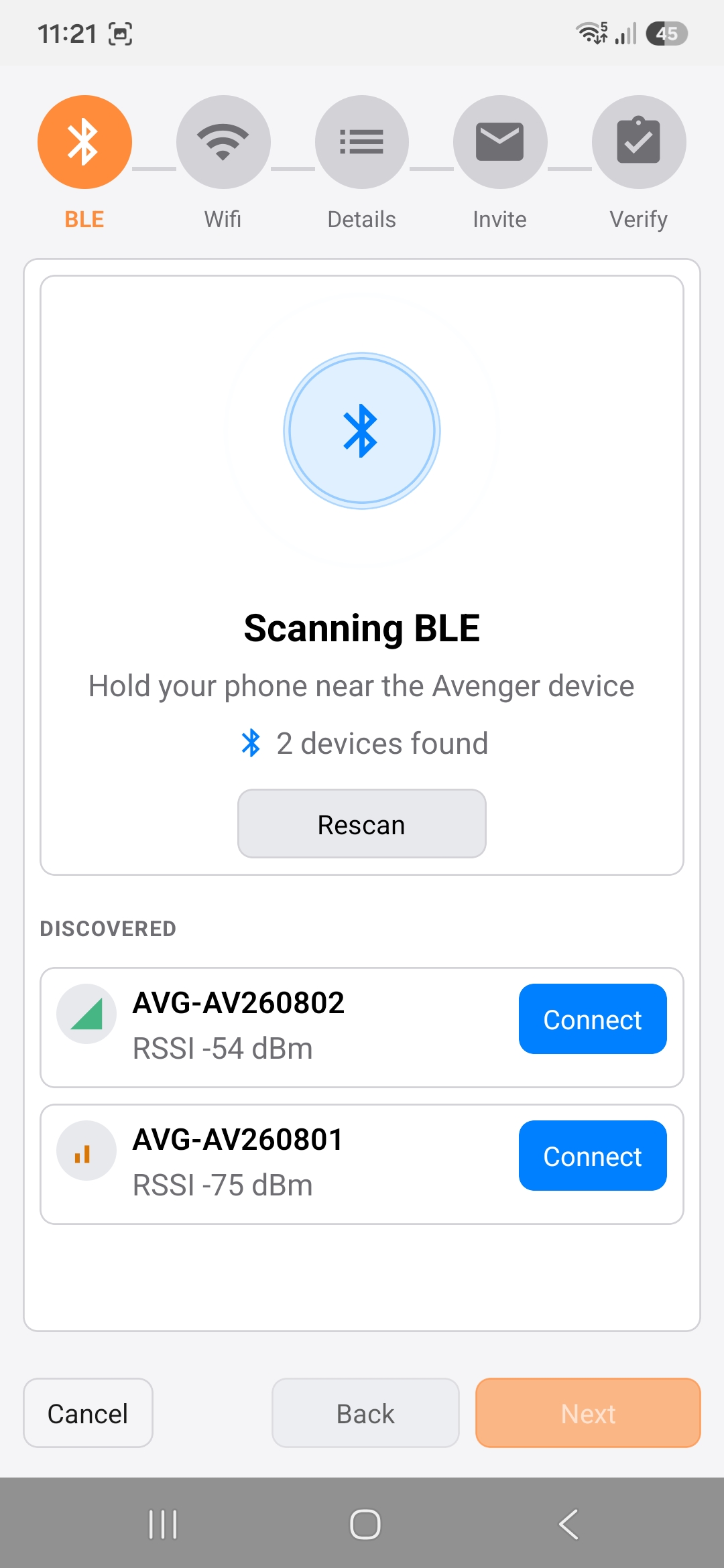
THE GRAVITY APP01 — 04
Gravity scanning for nearby Avenger controllers
Find your controller. Start the connection.
YOUR NEXT STEP

Good hardware.
Help to get it right.

Exploring a new installation or setting one up?
Start in the right place.

LET’S TALK

Find out if Avenger
fits your next site.

Talk to NIDAC ↗
GET UP AND RUNNING

Your first installation,
step by step.

Quick setup guide “Available on release"↗
GO A LITTLE DEEPER

Understand the system.
Know your options.

Explore the documentation “Available on release↗